3D Tutorial and Beyond
  • Home
  • 3DRnB Training Center
  • Store
  • Blog
  • About Us
  • Contact
Select Page
C4D Render Queue with Take System and V-ray VFB

C4D Render Queue with Take System and V-ray VFB

by Viola Vazio | Jun 13, 2023 | 3D Scenes, Cinema 4d, VrayforC4D

How to use Cinema 4d Render Queue together with the Take System and V-ray VFB Many more topics are coming very soon so if you wish te receive our blog posts right in your inbox make sure to subscribe to our newsletter so that we’ll keep you updated. Best place to...
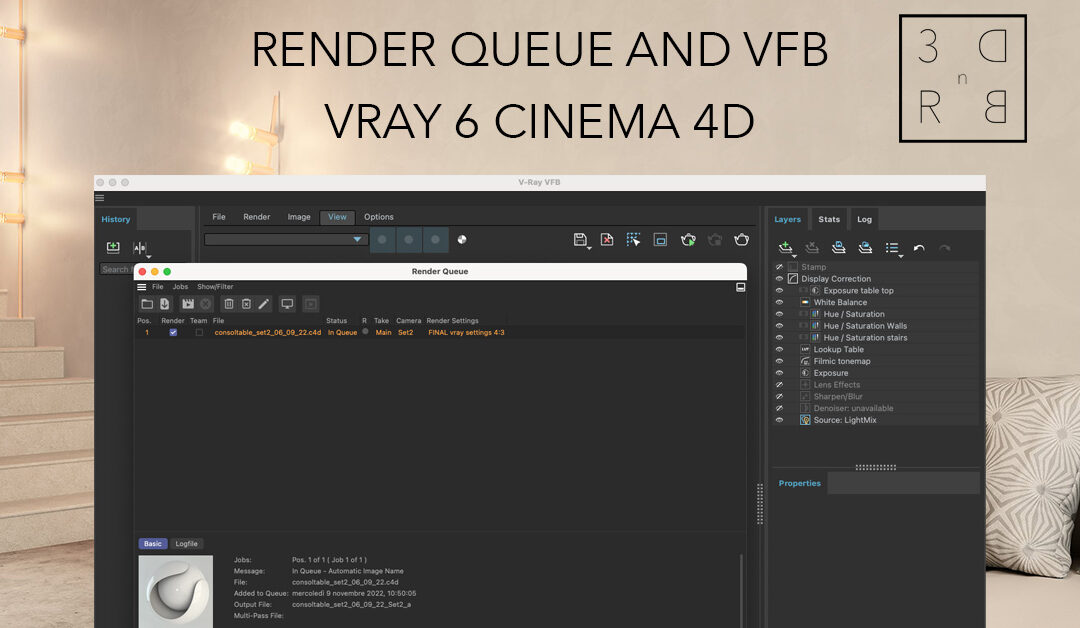
Render Queue and VFB in V-ray 6 Cinema 4D

Render Queue and VFB in V-ray 6 Cinema 4D

by Viola Vazio | Nov 9, 2022 | Cinema 4d, VrayforC4D

We will see a workaround to use Render Queue and VFB together as they are not integrated at the moment. First thing do all your test renders and if you have different VFB layers for every render then save your vfbl file for every one. Go to Render Settings –...
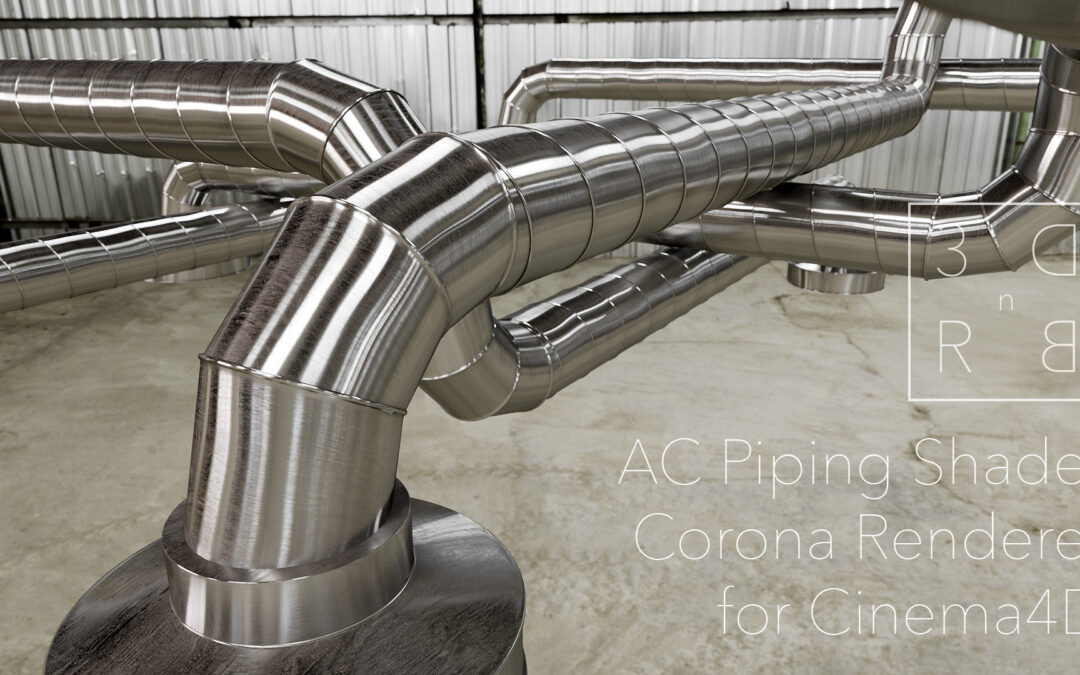
Piping Shader for Corona Renderer

Piping Shader for Corona Renderer

by Viola Vazio | Nov 24, 2020 | Cinema 4d, Corona Renderer, Shaders

How to improve a metal shader for AC Piping using Corona Renderer for Cinema4D. Render Engine used Corona Renderer  for Cinema 4D Video in Italiano: Youtube DOWNLOAD THIS FREE SCENE WITH SHADERS This Object is part of our Workplace Scene  A lot more topics are coming...
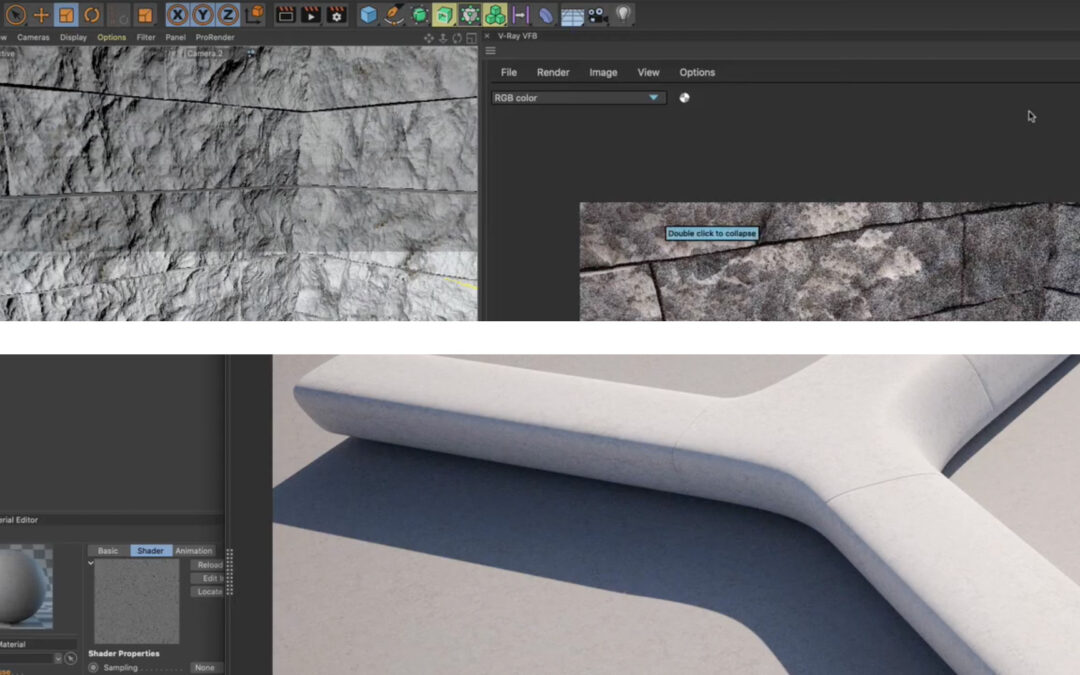
How to model a concrete bench and Cut Stone in Cinema 4D

How to model a concrete bench and Cut Stone in Cinema 4D

by Viola Vazio | Oct 29, 2020 | Cinema 4d, VrayforC4D

How to model a Concrete Bench and Cut Stone in Cinema 4D. Render Engine used Vray5 for Cinema 4D A lot more topics are coming very soon so if you wish te receive our blog posts right in your inbox make sure to subscribe to our newsletter so that we’ll keep you...
360° Interactive Object – 3D Setup

360° Interactive Object – 3D Setup

by Viola Vazio | Sep 4, 2020 | 360° Interactive Object, Cinema 4d, Online Course, VrayforC4D

We will be using Cinema 4d with V-ray for Cinema 4D (but any 3D software can be used to obtain these renders). -First of all position your object at the center of the scene -We created a container for our object that needs to be visible in the render. -Added three...

Recent Posts

  • C4D Render Queue with Take System and V-ray VFB
  • Render Queue and VFB in V-ray 6 Cinema 4D
  • V-ray5 for Cinema4D Metalness Workflow
  • Piping Shader for Corona Renderer
  • How to model a concrete bench and Cut Stone in Cinema 4D

Categories

  • 360° Interactive Object
  • 3D Scenes
  • Cinema 4d
  • Corona Renderer
  • HDR images
  • Online Course
  • Panorama
  • Photoshop
  • Senza categoria
  • Shaders
  • VrayforC4D
3D Render and Beyond - Copyright © 2025 - all rights reserved       TERMS & CONDITIONS | REFUND POLICY
This website uses cookies to improve your experience. We'll assume you're ok with this, but you can opt-out if you wish. Cookie settingsACCEPT
Privacy & Cookies Policy

Privacy Overview

This website uses cookies to improve your experience while you navigate through the website. Out of these cookies, the cookies that are categorized as necessary are stored on your browser as they are as essential for the working of basic functionalities of the website. We also use third-party cookies that help us analyze and understand how you use this website. These cookies will be stored in your browser only with your consent. You also have the option to opt-out of these cookies. But opting out of some of these cookies may have an effect on your browsing experience.
Necessary
Always Enabled
Necessary cookies are absolutely essential for the website to function properly. This category only includes cookies that ensures basic functionalities and security features of the website. These cookies do not store any personal information.
SAVE & ACCEPT